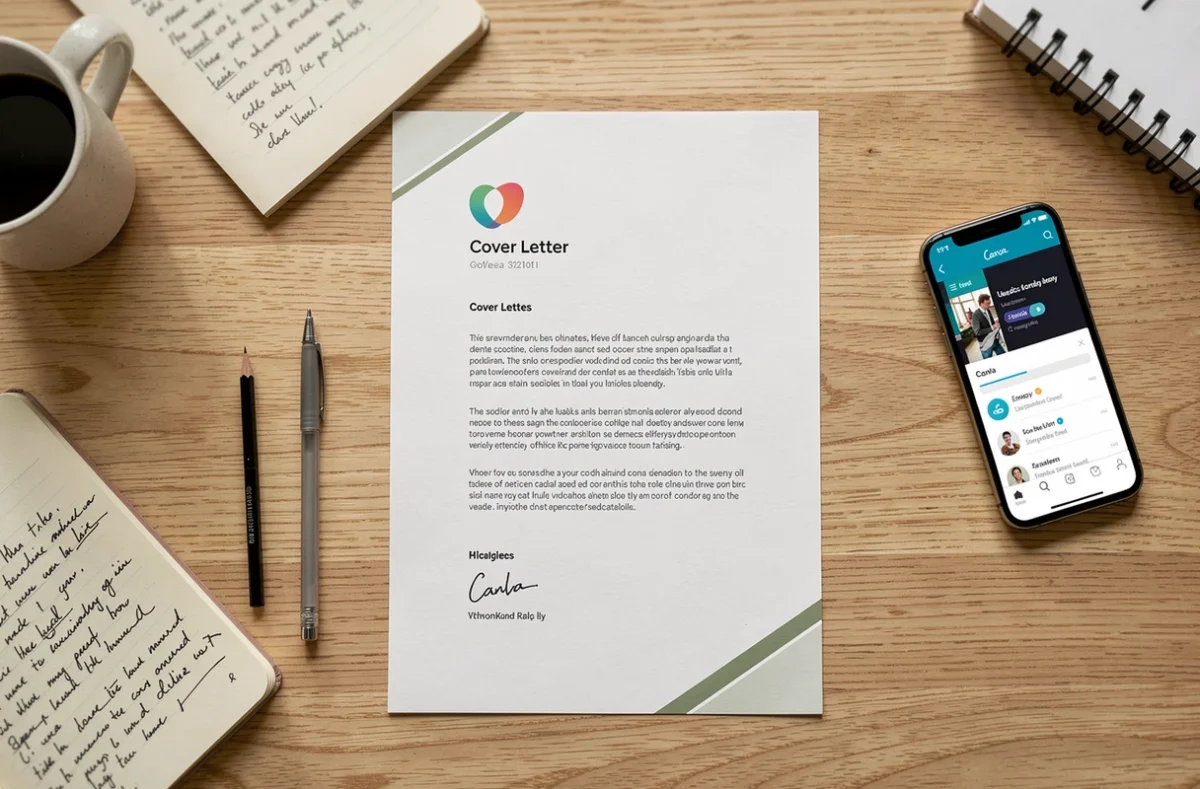
You spent an hour perfecting your resume, but the cover letter remains a blank Word file that stares back at you. The difficulty doesn’t lie in the content: it’s often the layout that holds you back. Canva offers free and customizable cover letter templates that solve this problem in just a few minutes, as long as you avoid certain technical pitfalls.
ATS Compatibility: The Invisible Trap of Graphic Letters
Before even choosing a template, ask yourself one question: where will this letter be submitted? If you are applying through an online recruitment platform, your file will likely go through an ATS (Applicant Tracking System), software that automatically extracts text for classification.
The problem with Canva is that some templates generate a flattened PDF where the text becomes an image. A human recruiter can read it without issue, but the software detects nothing. Your application disappears before it is read.
To avoid this, a simple reflex: after exporting, open your PDF and try to select the text with your mouse. If the text highlights normally, the file is usable. If nothing can be selected, the content has been converted to an image during export.
- Prefer templates with a single column and few decorative elements overlapping the text.
- Avoid graphic blocks that overlap your paragraphs: colored side columns, icons placed over text, complex backgrounds.
- Always export in standard PDF format (not as PNG or JPG images) and check the text’s selectability.
When you apply via email directly to a recruiter, the ATS constraint disappears. You can then opt for a more visual design. To create a cover letter with Canva that remains readable everywhere, keep this distinction in mind from the start.

Customizing a Canva Template Without Distorting the Layout
Canva provides hundreds of cover letter templates. The temptation is great to change everything at once: fonts, colors, layout. This is often where the result becomes messy.
Limit Fonts to a Maximum of Two
One font for headings, one for the body text. This principle is enough to maintain a professional appearance. Mixing three or four typefaces gives an impression of amateurism, even with a nice base template.
Choose readable fonts in small sizes, because your letter will often be read on a smartphone screen. A font that is too thin or too stylized loses readability below 11 points.
Adapt Colors to the Target Sector
A position in a communication agency tolerates a colorful design. A position in an accounting firm, much less so. The company’s graphic charter sets the tone: check its website and take one or two dominant colors to customize your template.
Canva allows you to enter a hexadecimal color code. Capture the one from the company’s logo (a tool like the browser eyedropper will do the trick) and apply it to your headings or a side bar. This detail shows that you have done targeted research.
Writing Content Directly in Canva: Method and Limits
The text editor integrated into Canva remains basic. There is no advanced grammar checker or style suggestions. Writing directly in the tool exposes you to unnoticed errors.
Write your text in a classic word processor first, with spell check enabled. Proofread, correct, and then paste the final text into your Canva template. This extra step avoids embarrassing mistakes that the recruiter will spot.
Regarding the content, the cover letter must answer three specific questions:
- Why this position interests you (related to your professional project, not generalities).
- What your skills and experiences concretely bring to the company.
- What distinguishes you from other candidates for this specific job profile.
Do not rephrase your resume. The recruiter already has it in front of them. Your letter expands on what the resume cannot show: your understanding of the profession, your genuine motivation, an example of achievement that illustrates your added value.
AI and Recruitment: Why Personalization Remains Your Best Asset
The use of ChatGPT or other AI tools to write cover letters has become widespread. Recruiters are aware of this. A letter generated without editing is quickly recognizable: overly smooth phrasing, lack of concrete details, interchangeable tone from one application to another.
The European regulation on artificial intelligence (regulation (EU) 2024/1689) also classifies the automated sorting of applications among high-risk uses. In practice, companies using AI to filter resumes and letters must ensure greater transparency. A factual and personalized letter passes through these filters better than a generic text.
If you use AI as a starting point, rework every sentence. Add company names, figures from your experience, references to the job offer. The recruiter is looking for signals of real work, not calibrated prose.
Tailor Each Letter to Each Offer
Canva makes this step easier with design duplication. Duplicate your base template, modify the company name, the position, and especially the arguments in the body text. Five targeted letters yield more results than twenty identical letters.
Also check the final display on mobile before each submission. Open the PDF on your phone: if you have to zoom in to read, the contrast or font size poses a problem.
The cover letter format remains an exercise in precision. Canva simplifies the visual part, but the content entirely depends on your ability to relate your skills to the position. A polished template with hollow content fools no one. Focus your energy on the three central paragraphs of your letter, where you demonstrate your value, and let Canva take care of the rest.