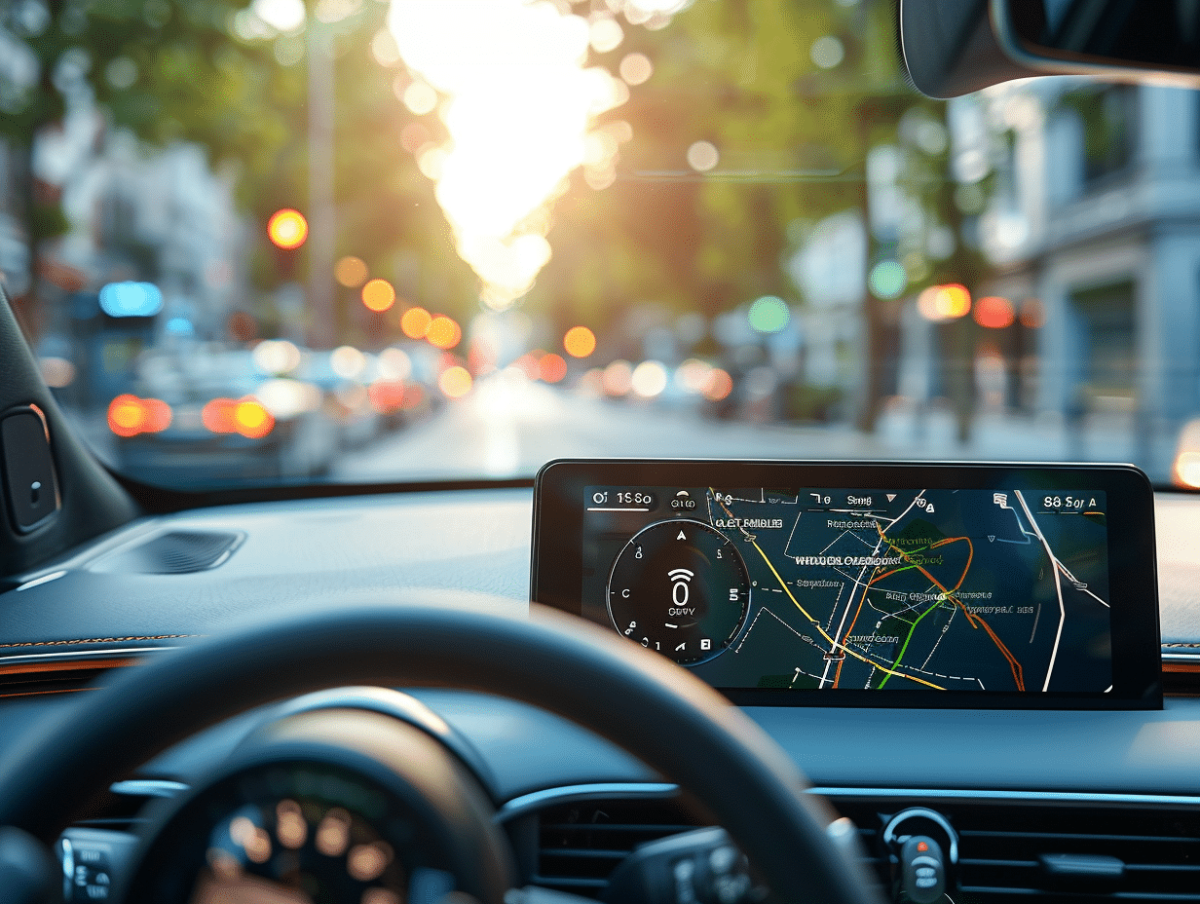
For many drivers, the combination of Android Auto and Waze has become essential for stress-free journeys. This integration offers real-time navigation, traffic alerts, and optimized route recommendations. However, to make the most of it, a few adjustments and tips can make all the difference.
Be sure to properly configure your smartphone and vehicle to ensure a stable connection and a smooth interface. Regular updates of the Waze app and the Android Auto system also guarantee optimal performance. By following these tips, every trip can become more serene and efficient.
Setting Up Android Auto for Optimal Use of Waze
To ensure a smooth experience, start by connecting your Android device to your vehicle using a quality USB cable. Once connected, the Android Auto system should automatically detect your device and display compatible apps, including Waze.
Steps to put Waze on Android Auto
- Make sure the Waze app is installed and up to date on your Android device.
- Connect your phone to your vehicle using a USB cable.
- Access the Android Auto dashboard on your car’s screen and select Waze as the default navigation app.
Waze, a free GPS navigation app, relies on its active community to provide real-time information. It helps avoid slowdowns, plan departures, and share your route live. Waze includes advanced features such as customizable speed limit alerts, a battery saver, and the location of the nearest and cheapest gas stations.
Some tips for optimized navigation:
- Customize voice instructions for a more enjoyable experience.
- Add stops to your trips to avoid tolls or reach points of interest.
- Sync Waze with audio streaming apps to listen to your favorite music during your trips.
Waze allows you to request help in case of problems on the road and offers alternative routes to avoid traffic. By properly configuring your Android Auto system, you will navigate with peace of mind.
The Advanced Features of Waze for Stress-Free Navigation
Waze stands out with its advanced features designed to optimize every journey. Thanks to its active community, the app provides real-time information on traffic, accidents, and police checkpoints. This interactivity helps avoid slowdowns and suggests alternative routes.
Customization and Adaptability
Waze allows you to customize the map display and voice instructions, making navigation more intuitive. The app also adapts to the type of vehicle, whether it’s a standard car or an electric vehicle, by indicating available charging stations, for example. Waze includes a battery saver, extending the battery life of your Android device.
Alerts and Assistance
Waze offers a range of customizable alerts, including for speeding and danger zones. A unique feature is the reminder alert to check the back seat, useful for parents. In case of problems on the road, the app allows you to request help from other users, enhancing safety.
Integration with Other Services
Waze easily syncs with audio streaming apps, allowing you to enjoy your favorite music without leaving the navigation app. Integration with Google Assistant enables full voice control, making it easier to manage trips without touching the screen.
The app also allows you to plan departures based on expected traffic conditions to optimize travel time. By adding stops to your route, you can avoid tolls and discover points of interest along the way.